
Blog · Mobiles
Dropped your phone in water? Do this first
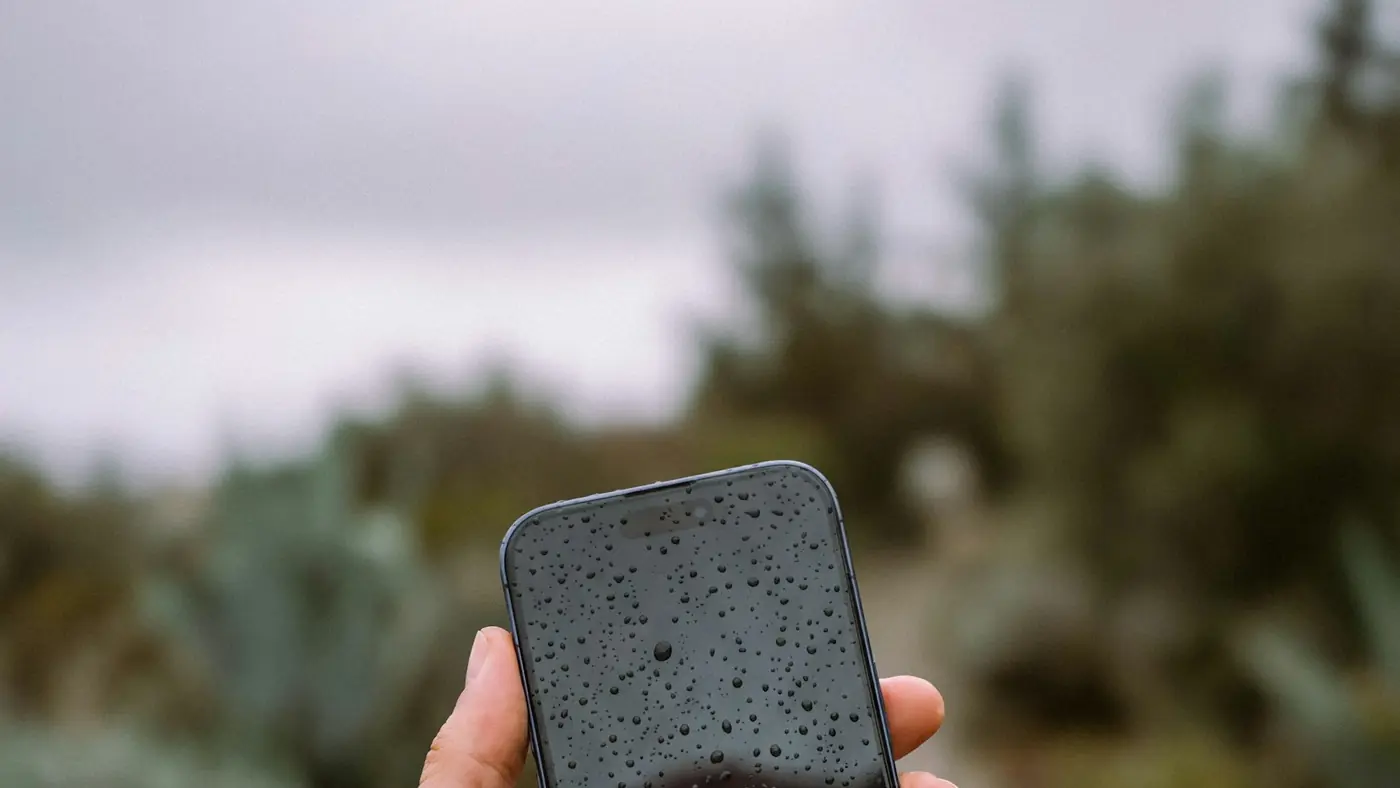
It happens to everyone eventually — the pool, the sink, a puddle, or the toilet. What you do in the first few minutes matters more than anything else, because the real damage from water usually isn't instant. It's the corrosion that builds on the circuit board over the following hours and days.
The first five minutes
- Turn it off. Power running through wet components is what causes short circuits. Switch it off even if it seems to be working fine.
- Don't charge it. Plugging a wet phone in is one of the most common ways a recoverable phone becomes unrecoverable.
- Take the case off and pull the SIM tray out. It lets trapped water escape and air get in.
- Dry the outside gently with a lint-free cloth. Don't shake it hard — that can push water further inside.
What not to do
Skip the bag of rice. It's the most popular fix and one of the least useful. Rice doesn't pull water out of a sealed phone, and its dust and starch can end up in the ports. Apple's own support advice is not to put an iPhone in rice.
No hairdryers or heaters. Heat can warp adhesive seals and damage the battery and screen.
Don't keep testing it. Turning it on "just to check" every ten minutes is how a wet board shorts out.
"But my phone is water resistant"
Water resistance ratings are real, but they're measured on new phones in clean, still, fresh water. Seals age, and a phone that's been dropped or opened before may not be sealed the way it was on day one. Salt water, chlorinated pool water and hot water are all harder on a phone than the test conditions. If yours has been in for more than a quick splash, it's worth treating it as wet.
Why getting it checked quickly matters
A phone that still works after getting wet isn't necessarily fine. Moisture left inside keeps corroding connectors and chips, and problems like a dead speaker, a camera that won't focus or a phone that won't charge can show up days later.
At our kiosks we use ultrasonic chemical cleaning and motherboard revival on liquid-damaged devices. The sooner we see it, the better the odds — so bring it in switched off, and don't try to charge it on the way.
Back up as soon as you can
If the phone is still working, back it up as soon as it's safe to. If it isn't working, we can often extract photos, contacts and files even from a board that won't boot.