Common gaming console problems (and what causes them)
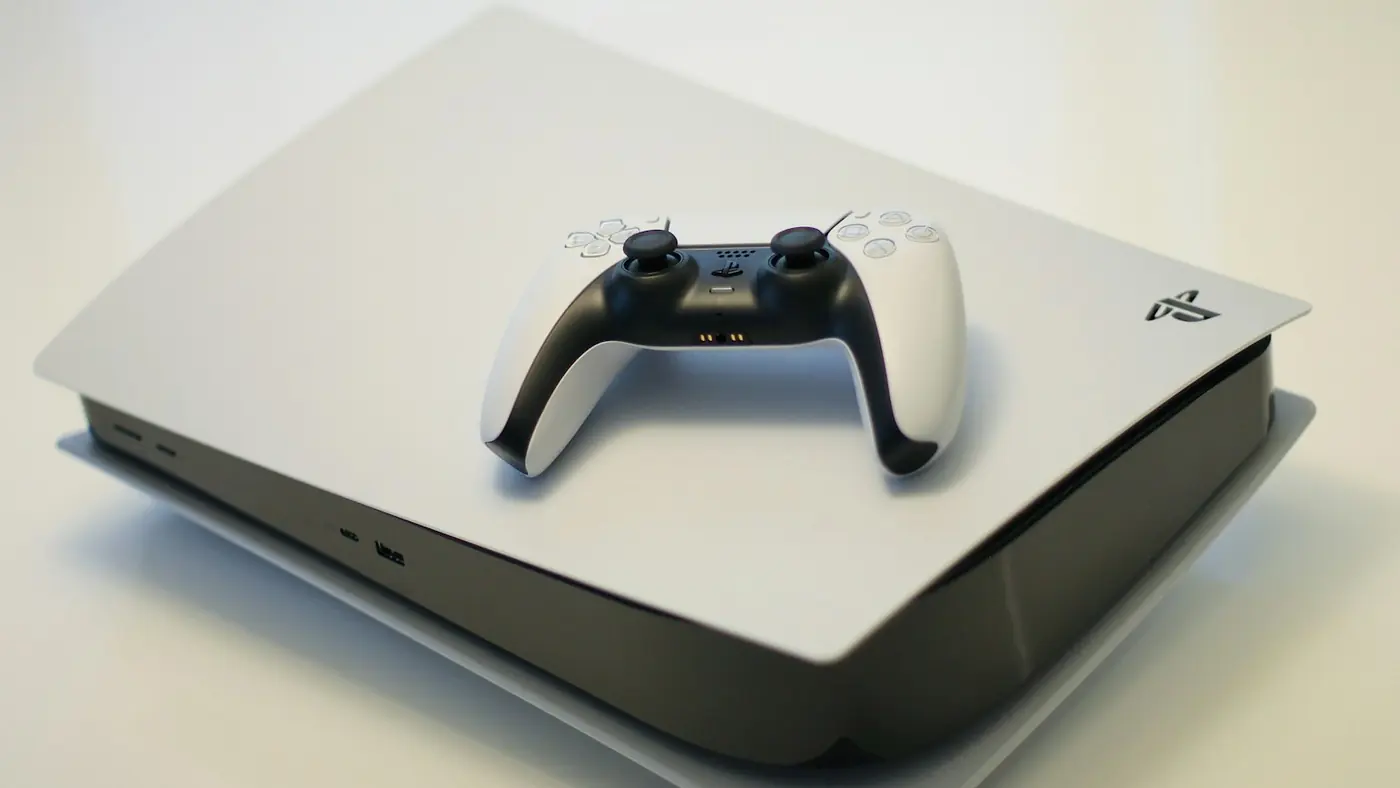
Consoles are built to run for years, but they live hard lives — moved between rooms, tucked into cabinets and played for hours at a time. These are the problems we hear about most, and a few things worth trying before you bring one in.
No picture on the TV
If the console powers on but the TV says "no signal", start simple: try a different HDMI cable, a different port on the TV, and check the TV's input setting. If none of that works, the console's own HDMI port may be damaged. It's a common fault — usually from a cable being yanked at an angle or the console being moved while it's plugged in.
Overheating and loud fans
A console that gets very hot, sounds like a jet engine or shuts itself off mid-game usually isn't getting enough air. Keep it out of enclosed cabinets, give the vents plenty of space, and keep dust down around it. If it's still overheating with good airflow, it needs looking at inside.
Controller stick drift
If your character or camera moves when you're not touching the stick, that's drift — the stick sensor is wearing out. Updating the controller and recalibrating (where the console supports it) can help in mild cases, but worn sticks generally need repair or replacement.
Controller won't charge
Try a different cable and a different USB port first. If it still won't charge, the controller's charging port or battery may be the problem.
Discs not reading, or strange drive noises
Check the disc itself for scratches and try another game. Grinding, clicking or a drive that won't accept or eject discs points to a mechanical fault.
Failed updates and boot problems
A console stuck on a loading screen or failing an update can often be helped from its safe mode — on a PS5, turn it off fully, then hold the power button until you hear a second beep. If it still won't start properly, bring it in.
Bring it in
We do PlayStation and gaming console repairs at both of our kiosks. We'll inspect it, explain the problem and quote before any work starts.
Need it looked at?
Butler Central & Currambine Central — open 7 days
Call us Find a storeSee everything we repair or check the FAQ.